

Basic
Full Station
Graph Temperature

Netatmo Weather Station
Premium weather data
Customizable options
Weather Station
Netatmo station you'd like to connect
Indoor Module
Select which module provides indoor readings
Temperature Unit
Format in which to display the temperature
Wind Unit
Default uses mph for Imperial and km/h for Metric
Display Mode
Choose between basic stats view or graph trends view
Graph Metric
Metric to display in the graph view (only used in Graph mode)
Hide chart on quadrant view
Only affects quadrant (quarter-screen) layouts. Replaces the temperature chart with extra weather data so values render larger.
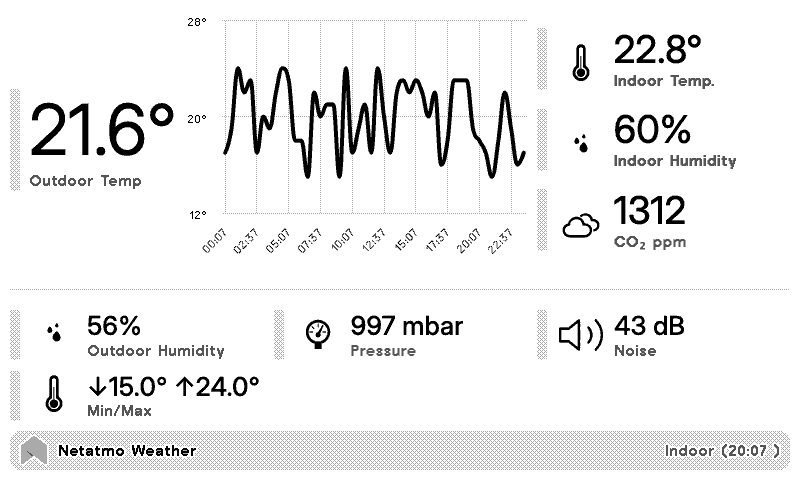
Readings from your Netatmo Weather Station, on a TRMNL ePaper display. Sign in to Netatmo to give TRMNL read-only access, then pick your station and, if you like, which module gives the indoor readings.
Basic mode leads with the outdoor temperature and a temperature chart, then indoor temperature, humidity and CO2, plus outdoor humidity, pressure, noise and the day's low and high. Got the rain or wind gauge? Those readings show up too. Graph mode fills the space with 1 metric instead: temperature, humidity, CO2, noise, pressure, rain or wind. Choose Fahrenheit or Celsius, and knots for wind if you prefer.











Knowledge base Learn about this plugin in our knowledge base
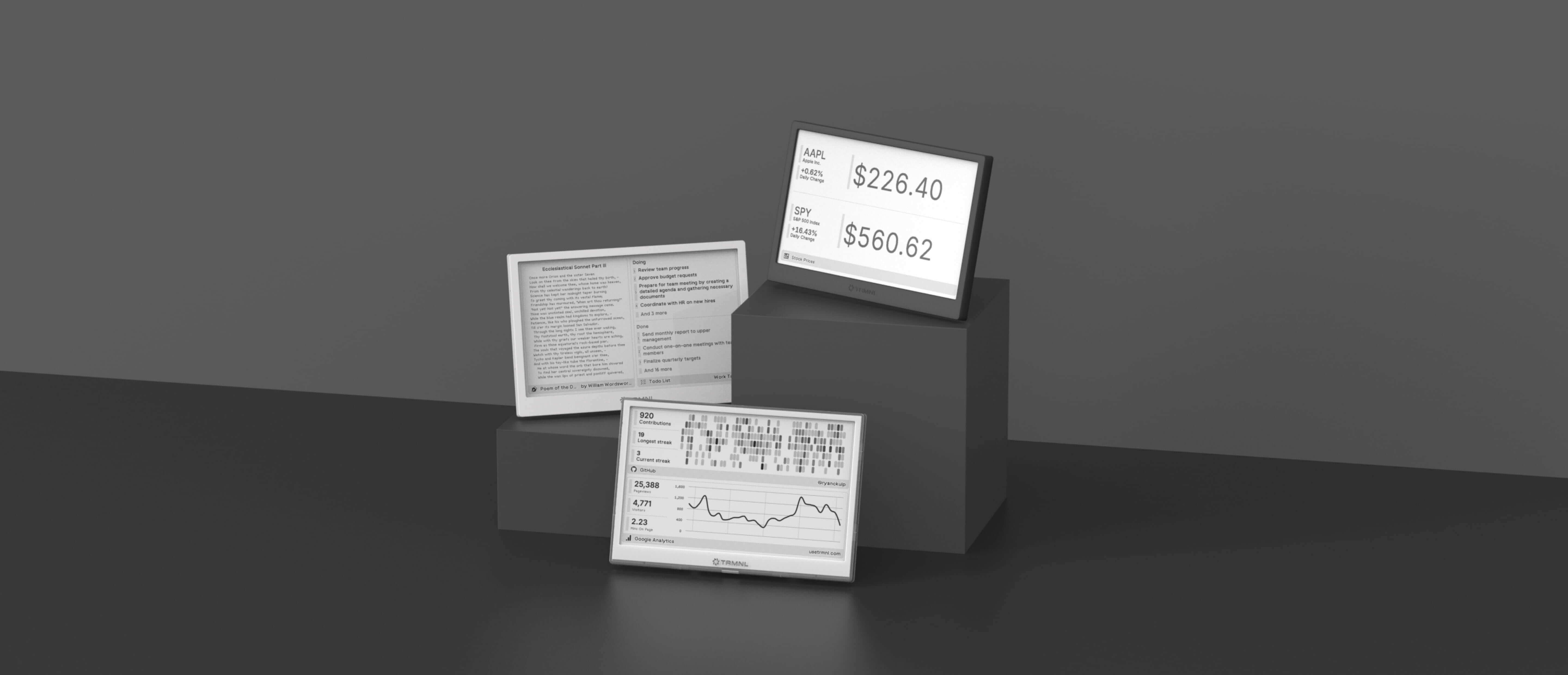
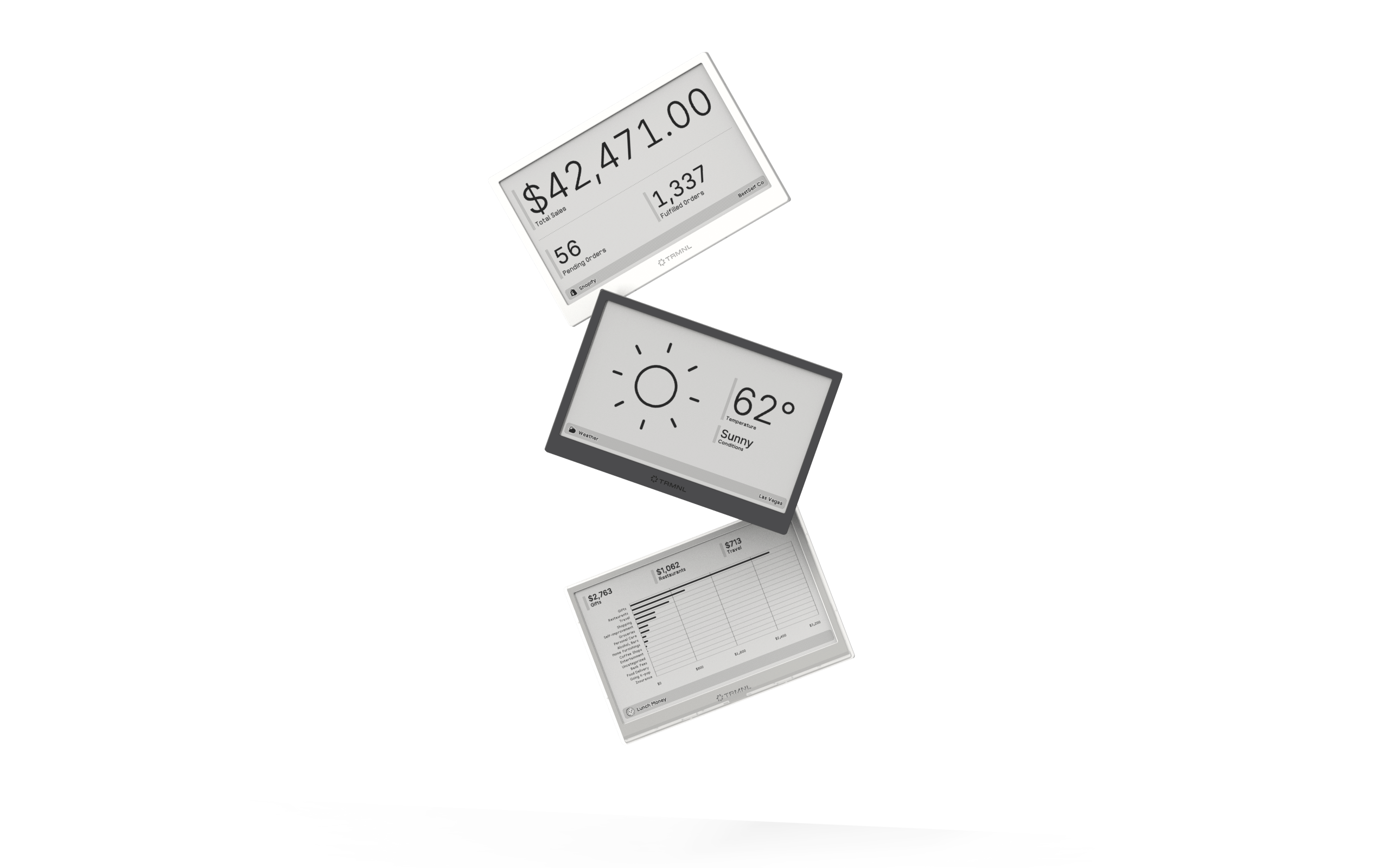
Connect your favorite apps
Our growing library supports work and personal needs, from your daily calendar to upcoming movies. New tools are added weekly.
